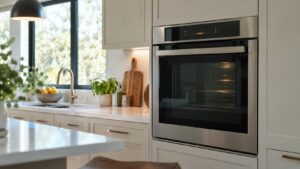
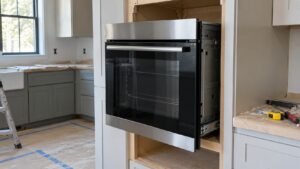
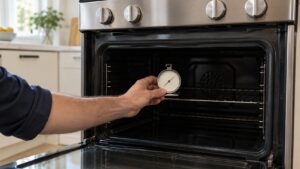
C-d0 on a Samsung wall oven is a door and key-lock failure, not a heating problem. It shows up when the control board cannot confirm the state of the door latch or lock switch, which matters because the oven refuses to run a self-clean cycle — and in some cases any cycle — unless it can verify the door is properly closed and, when needed, latched.
Why the board can’t confirm door status
Ovens with a self-clean function use a motorized or solenoid latch that physically locks the door during the high-heat cycle, along with a switch that reports the latch position back to the control board. C-d0 appears when that feedback loop breaks down:
- The door switch is misaligned so it no longer makes contact when the door closes
- The latch mechanism is jammed partway between locked and unlocked
- A wiring connector at the latch assembly has come loose or corroded
- The control board itself is failing to read a switch that is working correctly
Owner-safe checks and repair steps
First, open and firmly close the oven door several times to reseat the latch, then power the unit off at the breaker for a minute and restart it. Check that nothing — a warped liner, a dropped oven rack, or built-up residue — is preventing the door from closing flush against the frame, since even a small gap can keep the switch from triggering.
If C-d0 continues after the door closes normally and power has been cycled, the latch motor, switch, or its wiring harness needs to be tested directly. This involves removing the top control panel or rear access cover on most Samsung wall ovens, and a stuck latch should never be forced by hand since that can damage the motor or the door hinge.
Our oven repair service diagnoses Samsung door latch and lock-switch failures. Manufacturer support resources are at samsung.com/us/support.
Independent resource — not affiliated with Samsung Electronics.