A Samsung oven making noise is often normal: a cooling fan that runs while the oven is on, a convection fan that hums, and ticking or popping as metal heats and cools are all part of how an oven works. The sounds that need attention are new ones, ones that get louder, a grinding or scraping fan, loud clicking that does not stop, or any noise that comes with a smell, smoke or a code on the display. This site has no sound-by-sound list for Samsung ovens and no sound-based code, so this guide sorts noises by type, tells you which are usually harmless and which are not, and says when the oven should be switched off and checked.
Why is my Samsung oven making noise?
An oven is a box with a heater, several fans and a few motors and relays, and each of these makes sound. A cooling fan pulls air through the oven body to keep the electronics and the outer panels from overheating, and it runs while the oven is on and often for a while after it has been switched off. A convection fan, on models that have one, circulates hot air inside the cavity and gives a steady hum or whoosh. Elements and the metal oven walls tick and pop as they heat and cool. Relays click as the control switches the heating on and off to hold the temperature. None of these is a sign of failure. The question to ask is whether the sound is new, louder than usual or different in character.
The Samsung ovens and ranges listed on this site, such as the NV51T5512SS, NQ70M7770DS and NE63T8751SS, differ in the fans and the features they carry, so what is normal on one is not always normal on another. Your owner’s manual describes the normal sounds for your model.
What does a fan noise mean?
A steady, even hum while the oven is on is normal. A fan that has started to rattle, squeal, ticks like a card in a bicycle spoke or grinds is not. A blade that has loosened or been touched by something, a bearing that is wearing out or dust built up on the blade can all cause it. A fan that runs very loudly may also be working harder because the vents around the oven are blocked, so check that nothing is stored against the oven or its vents and that the area is not covered by a cloth. Do not take the oven apart to look at the fan. The fan sits behind panels, near wiring, and reaching it is a technician’s job.
If a noisy fan is joined by a burning smell, smoke or a tripped breaker, stop using the oven. Switch it off at the breaker on the panel while standing on a dry floor, and keep the door closed.
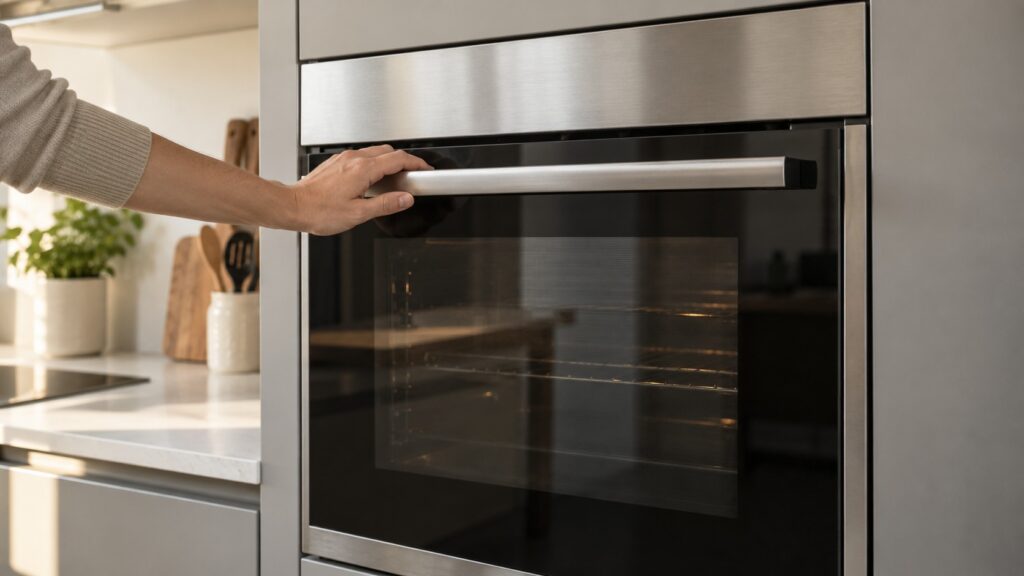
Why is my Samsung oven clicking?
A click when the oven starts, when the temperature is reached or when the heating switches on or off is typically a relay or a latch and is normal. A rapid, repeated clicking that does not stop is different. On a gas range, clicking is often the igniter and should stop once the burner lights. If it keeps going without a flame, turn the control off and book a visit. If you smell gas at any point, do not light anything and do not switch anything on or off: leave the house, call the gas service from outside, and leave all gas repairs to a qualified technician. On an electric oven, repeated clicking with no heat can point to a failing relay or a control problem. A clicking door during a self-clean cycle may be the door latch working, which is why the dE page on this site, covering the door and latch assembly, is worth reading if a code appears. See our Samsung oven dE code page.
What about humming, buzzing or popping?
A low hum is common, especially while the fan runs. A louder buzz can come from an element, a relay or another electrical part, and it matters most when it is new. Popping or ticking during preheat, particularly when a cold pan or tray goes in, is usually metal moving. Clean the oven of spilled food, which can smoke and crackle when it heats. A loose rack or a tray that touches the oven wall can rattle, so seat racks properly and check that cookware is not touching the walls. If the oven is making noise only when a particular function is on, such as convection, make a note, because the pattern helps a technician. For a general check of the oven’s condition see how to maintain a Samsung oven.
When should you stop using the oven and call?
Stop and switch the oven off at the breaker if the sound is grinding or scraping, if it comes with a burning smell, smoke or sparks, if the display shows a code, or if the oven stops heating. Do not use a self-clean cycle on an oven that is behaving oddly. If the touch panel beeps or locks with an SE code, the problem is a stuck key, not a motor. Our Samsung oven troubleshooting guide covers the common symptoms, our oven error code diagnostics explain the code families, and the oven repair page explains how a visit works.