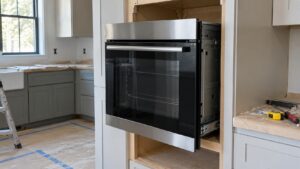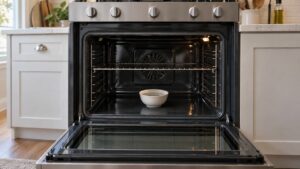
If a Samsung oven is not heating, check the easy things first: the settings (timer, delay start or control lock), the breaker or gas supply, and whether the display shows a code. Then look at what is failing: an electric oven with a dark bake element usually needs a new element, and a gas oven with a glowing igniter that never lights the burner usually needs a new igniter. A temperature sensor or control fault is the other common cause.
An oven that stays cold is one of the most disruptive appliance failures, and it often happens right before a holiday meal. The good news is that the cause is usually one of a handful of parts, and the symptoms tell you which. This guide explains why a Samsung oven is not heating, what you can check safely in the first ten minutes, how electric and gas ovens fail differently and when to stop and call. It applies to Samsung electric and gas ranges and wall ovens; your model’s manual has the exact controls.
What should I check first when my Samsung oven will not heat?
Start with settings, since a surprising number of service calls end here. Make sure the clock is set and the oven is not in a timed or delayed mode, where it waits to start at a later time. Check that the control lock is off, because a locked panel can ignore a start request. Confirm that you chose bake and a temperature, not just a timer. Watch the display during preheat: it should show a rising temperature or a preheat message.
If the display shows a code, write it down exactly. Samsung ovens use C- codes such as C-F2, C-20 and C-21, and each has its own page that explains what it reports. Our guide to Samsung error code C-20 shows how one of these is handled, and the oven error code diagnostics list the whole family. A code narrows the search before you touch a tool.
Why does an electric Samsung oven stay cold?
Electric ovens run on a 240-volt circuit with two legs. If one leg is lost, the clock and lights, which use only one, may work while the heating elements stay cold. Check the breaker panel for a two-pole breaker that is tripped or sitting in the middle, switch it fully off and on, and try again. If it trips again, stop and call a professional, because a repeated trip means a short.
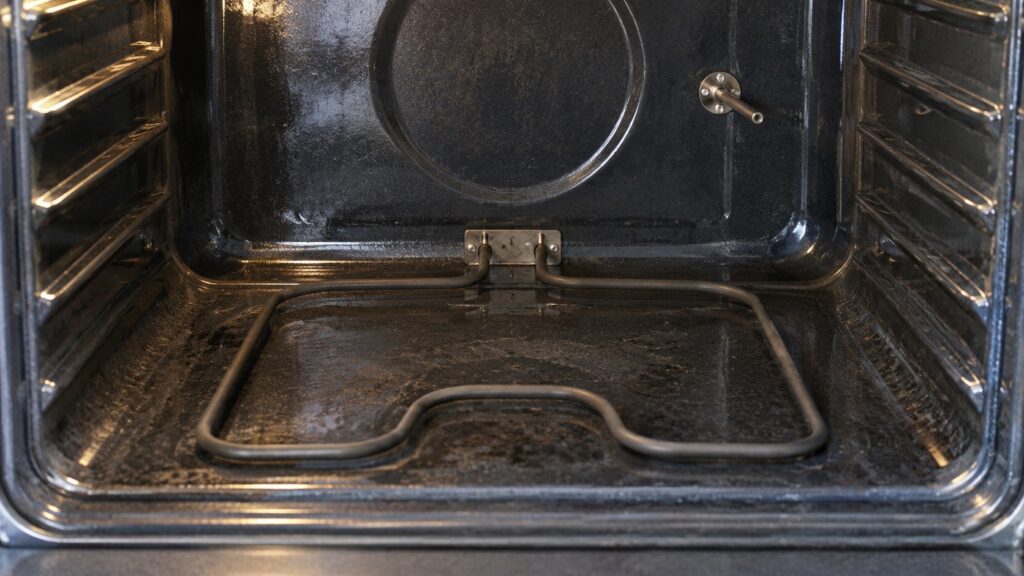
If power is fine, look inside the oven while it is set to bake. The bake element, the flat coil on the oven floor or hidden under a panel, should glow red within a few minutes. A broken or blistered element, or one that stays dark, has usually failed. A bake element is among the most common oven parts to wear out, and replacing it is a standard repair. If the broil element heats but bake does not, the element or its relay is the likely culprit. Switch off the power before touching anything inside, and do not touch an element that has just been on.
Why does a gas Samsung oven not light?
A gas oven lights its burner with a hot-surface igniter. The igniter heats until it glows, and that heat both opens the gas valve and lights the gas. Over time an igniter gets weak: it still glows orange but is not hot enough to open the valve, so the oven never lights. You will see the glow and smell no gas, and nothing happens. A weak igniter is the number one cause of a gas oven that will not heat.
If you smell gas, stop, do not use switches or flames, open windows, leave the house and call your gas company from outside. Do not keep trying to light an oven that you can smell. If there is no gas smell and the igniter does not glow at all, the igniter or its wiring has failed. Replacing an igniter involves gas components in the oven bottom, and it is a job for a technician. Our Samsung range troubleshooting guide covers related symptoms on the cooktop side.
Could the temperature sensor or the control be at fault?
Yes. The oven sensor is a thin probe at the back of the cavity that tells the control the temperature. If it reads wrongly, the control may heat too little, cut the heat early or shut the oven down. An oven that preheats very slowly, cycles off long before the display says it is ready or bakes unevenly often has a sensor problem. A failing control board is less common and harder to prove, and it can cause cold ovens, wrong temperatures and error codes that return after a reset.
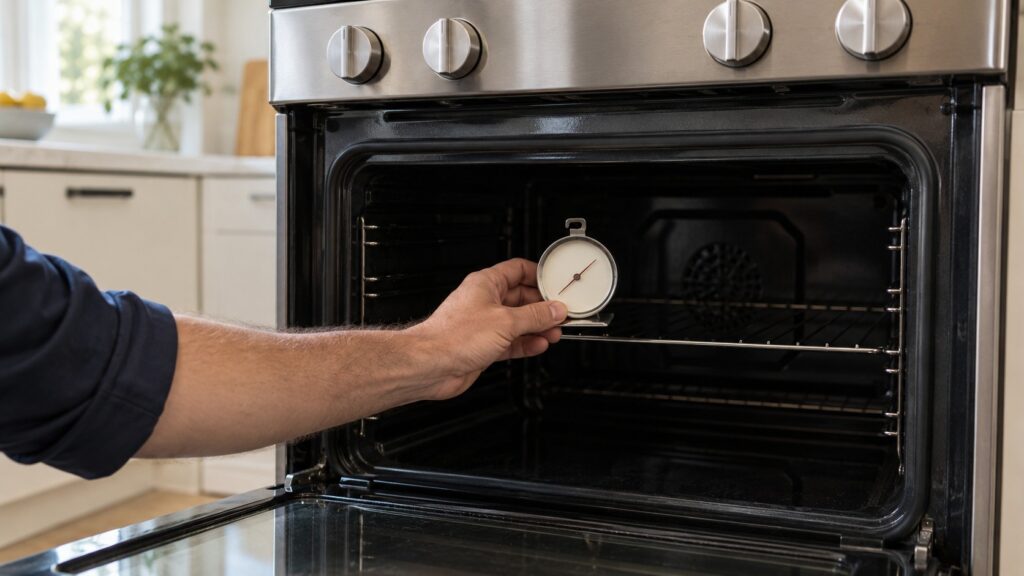
A quick owner test is to put an oven thermometer on the middle rack, preheat to 350 degrees Fahrenheit and compare it with the display after twenty minutes. A big difference suggests a sensor or element problem, not user error. You can also try a power reset: switch the range off at the breaker for a minute, then restore it. This clears a one-time glitch, and it costs nothing.
When should I stop and call a technician?
Call when the breaker trips again, when a gas oven smells of gas, when the element or igniter is visibly damaged, when a code returns after a reset or when the oven heats poorly after you have checked the settings. A technician can test the element, the igniter, the sensor and the board with a meter and replace the correct part the first time. If the oven is old and has several faults, the Samsung oven repair-or-replace guide helps you compare the options, and the oven maintenance guide shows how to prevent a repeat. See Samsung oven repair or schedule a visit.