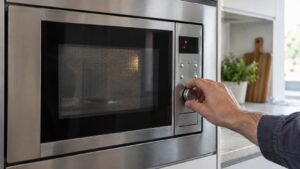
E-13 sits in the same gas/humidity sensor family as E-11 on Samsung microwaves, but generally points to a signal that’s out of the expected range rather than missing entirely — the sensor is responding, but with a reading the control board can’t reconcile with normal cooking conditions.
Why an out-of-range signal shows up
The sensor-cook system compares the vapor reading against expected patterns as food heats. An E-13 problem typically stems from:
- A partially degraded sensor that still responds but with inaccurate or erratic values
- Grease film or condensation buildup skewing the humidity reading over time
- A sensor circuit affected by a nearby wiring or connector issue, causing signal noise
- A control board failure in how it’s interpreting an otherwise normal sensor signal
What to try before calling for service
Power the microwave off at the breaker for about a minute, then check and gently clean the vent area near the sensor opening with a barely damp cloth — grease accumulation here is a common, fixable cause. After restoring power, run the microwave using a manual time-and-power setting rather than a sensor-cook option to see whether the appliance heats normally when the sensor isn’t involved in the cycle.
If E-13 keeps appearing across multiple sensor-cook attempts even after cleaning, the sensor or its connection likely needs professional testing, since confirming a “noisy” or drifting signal usually requires diagnostic equipment rather than a visual check. Opening the cavity or housing to access the sensor and its wiring is involved enough on built-in models that it’s worth having a technician handle it rather than risk damaging the door seal or cavity liner.
Our microwave repair service diagnoses Samsung sensor failures. See samsung.com/us/support for manufacturer documentation.
Independent resource — not affiliated with Samsung Electronics.