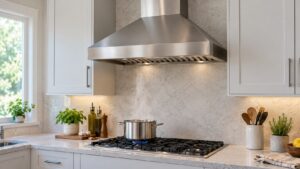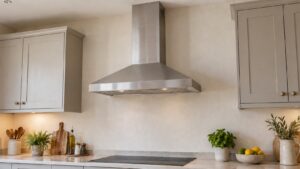
A Samsung range hood light that won’t turn on doesn’t trigger an error code, it’s a bulb, switch, or wiring issue you can usually narrow down without any special tools. Since the light and fan run on separate circuits within the hood, a dead light with a working fan almost always isolates the problem to the lighting side specifically.
What Usually Causes the Light to Fail
- A burned-out bulb or LED module, which is by far the most common cause
- A light switch on the hood’s control panel that has worn out or stopped making contact
- A loose wiring connection between the switch and the light fixture
- On LED strip models, a failed driver board that powers the light separately from the fan
What to Check First
Confirm the bulb type your hood uses and replace it with a known-working bulb of the correct wattage and base, since even LED modules on newer hoods sometimes use a replaceable bulb rather than a sealed fixture. Try the light switch a few times and listen or feel for a solid click, since a worn switch can feel like it’s working while not actually making contact. If your model has both a fan and light on the same panel, confirm the fan switch still works to rule out a broader control panel failure.
When to Call a Technician
If a fresh bulb doesn’t fix it, the switch, wiring, or LED driver board needs testing. Our range hood repair service covers Samsung hood lighting diagnostics.
Independent information, not affiliated with Samsung.