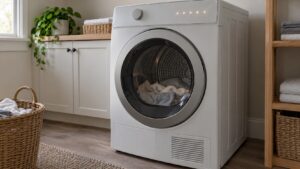
dF, along with the related dC and do readings, is a door and latch failure on Samsung dryers. The control board has lost confirmation that the door is closed and latched, which matters because the dryer, like most appliances with a rotating drum, won’t run without verified confirmation the door is secure.
What breaks the door signal
A door switch mounted at the frame reports back to the control board whenever the door closes against it, and dF appears when that connection isn’t registering properly. Frequent causes include:
- A door switch that’s misaligned so the door doesn’t press it fully closed even when it looks shut
- Lint or debris buildup around the latch or switch area, especially on dryers that haven’t had the door seal cleaned in a while
- A worn or bent door latch that no longer engages consistently
- A failed door switch or a loose wiring connector at the switch itself
What owners can check first
Open and firmly close the door several times, listening and feeling for a solid click at the latch — a door that closes with a soft, incomplete feel compared to before is a sign the latch or switch alignment has shifted. Clean around the door frame and latch area, since lint accumulation here is common and can prevent the door from seating fully.
Power the dryer off at the breaker for a minute and test again. If dF continues to appear with the door visibly closing and latching normally, the switch itself likely needs testing or replacement, which is accessed by removing the front door frame or a service panel — not a difficult repair for an experienced technician, but one that requires disassembly beyond what most owners attempt.
Our dryer repair service diagnoses Samsung door switch and latch failures. Manufacturer resources: samsung.com/us/support.
Independent resource — not affiliated with Samsung Electronics.