Samsung dryer blinking lights usually mean one of three things: the dryer is telling you something needs attention (a closed door, a clean lint filter, a clear vent), it is showing a cycle stage, or it is reporting a fault that has a code. Which one applies depends on which light blinks and how, and the meaning of each indicator on your model is printed in your owner’s manual. This site does not list a blink-by-blink chart for every panel, and we will not invent one. What we can do is show you how to sort a blinking light into the right bucket, what to check first and which of the dryer’s code pages applies if a code appears.
What do Samsung dryer blinking lights mean?
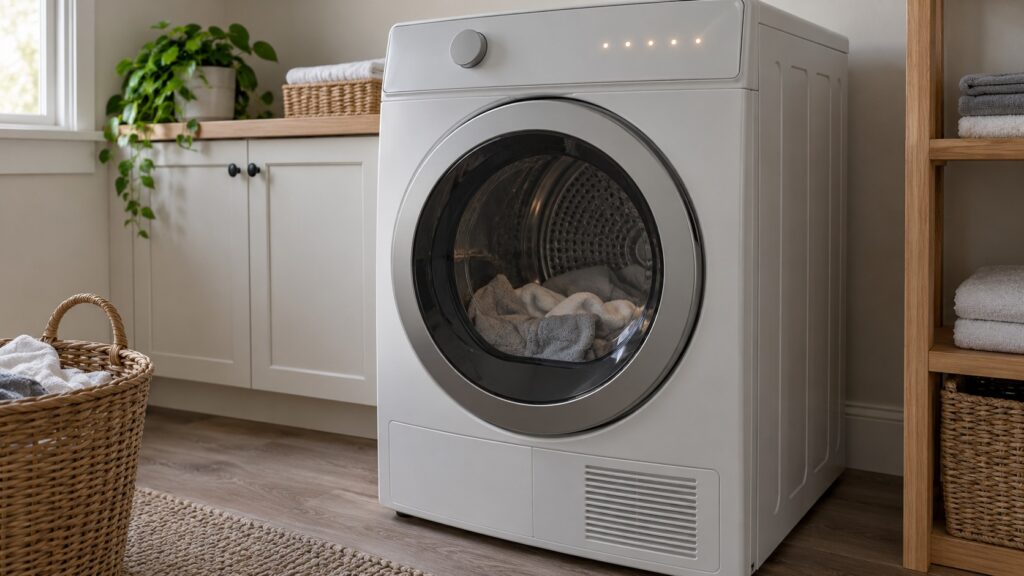
A dryer panel has indicator lights for different jobs. Some show the stage the cycle is in, and they may blink or step along as the cycle moves. Some show a setting or option you have selected. Some are reminders, such as a light that asks you to check or clean a part of the dryer. And some blink when the dryer has detected a fault, often alongside a code on the display. The same light can mean different things on different panels, which is why a single online answer to “samsung dryer blinking lights” can be wrong for your machine. Your owner’s manual has a diagram of the control panel with a legend, and it is the correct source for what each indicator means on your model.
The model number is on the rating plate, usually inside the door frame. Samsung dryers listed on this site include the DVE45B6300W, DVE50R5200W and DVG55A7700V. If you do not have the printed manual, look up the manual for your model number.
Is the dryer asking for something simple?
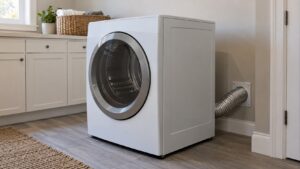
Work through the simple causes before you assume a fault. Open the door and close it firmly until it latches; the dryer will not run without confirming that the door is closed, and the site’s dC and dF code pages describe exactly that safety check. Look for lint or a stray dryer sheet in the door seal, and wipe the seal and the latch area. Pull the lint filter, clean it and put it back fully seated. Check that the vent behind the dryer is not crushed and that it is carrying air outdoors. A restricted vent is a common reason a dryer overheats or stops. Our guide to Samsung dryer moisture sensor cleaning covers one more item that quietly causes odd behavior.
Also consider the load. A very large or tangled load can keep a dryer from running as it should. Take part of the load out and start again.
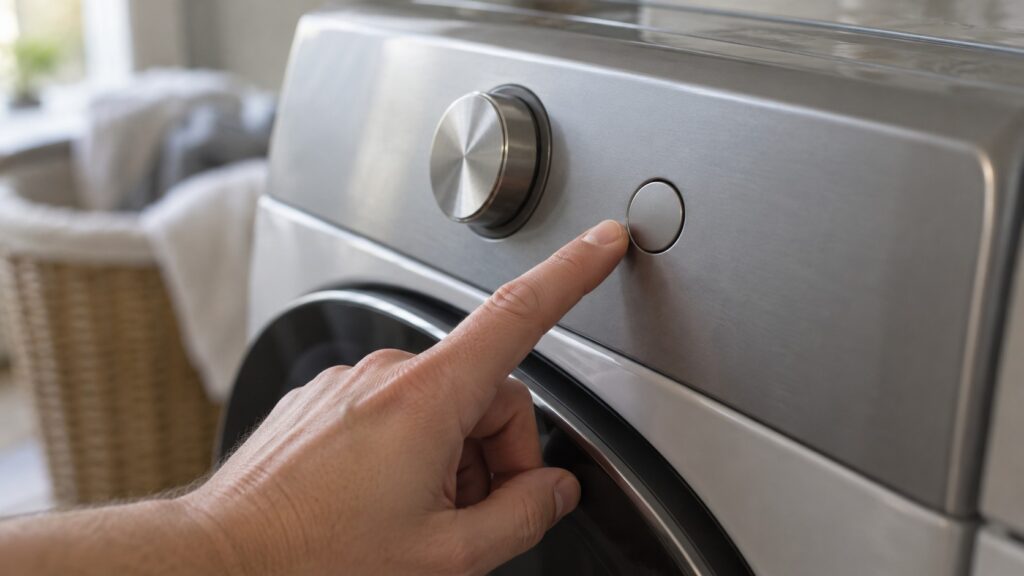
Is the blinking light a code in disguise?
Look at the display. If a code appears, even briefly between blinks, write it down exactly. The codes this site covers for Samsung dryers include these:
Our broader Samsung dryer error code diagnostics and the HE error code guide go into more detail. If the display shows no code and the light keeps blinking after the checks above, treat it as an indicator question and read the manual’s legend.
What should you do about a power glitch or a blinking panel that will not clear?
A panel that blinks after a storm or a brief outage may only need a reset. Switch the dryer off at its breaker, leave it for about a minute, and switch it back on. The site’s 9C1 page uses the same idea for a momentary power blip. If the lights blink again straight away, stop there. Do not open the dryer or reach into the control area. If you smell burning, see sparks or find water near the outlet, switch off the breaker at the panel while standing on a dry floor, and do not pull the plug from a wet outlet. A gas dryer adds a rule: if you smell gas, do not touch any switch, leave the house and call the gas service from outside, and leave every gas connection to a qualified installer.
When should you call a technician?
Call when a code returns after the simple checks, when the dryer will not start with the door properly closed, when it stops mid-cycle with a blinking light, or when it runs hot or smells hot. Because a restricted vent is a fire risk as well as a cause of faults, do not keep restarting a dryer that overheats. Our Samsung dryer troubleshooting guide covers the common symptoms, and the dryer repair page explains how a visit works.