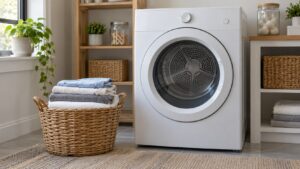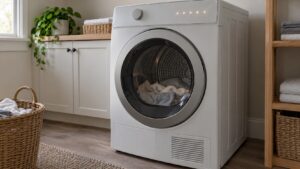
dC on a Samsung dryer is a door or latch failure — the control board isn’t receiving confirmation that the door is fully closed, so it won’t start or continue the drying cycle. It’s a safety interlock, not a sign anything is broken with the heating or drum system.
What Usually Causes It
- The door not pushed firmly closed after loading or unloading laundry
- A worn door latch or strike plate that no longer catches securely
- Lint or a stray dryer sheet caught in the door seal, preventing a full close
- A failing door switch that doesn’t register “closed” even when the door is shut properly
What to Try
Open the door and wipe down the gasket and latch area, then close the door with a firm push until you feel it seat. Watch for any lint buildup around the door frame that could be holding it slightly ajar. If the door feels loose on its hinges or doesn’t sit flush against the cabinet, the hinge or strike alignment may have shifted over time.
Unplug the dryer briefly to clear the problem, then test the door again. If it latches solidly and the cycle starts and completes normally, the issue is resolved.
When It Needs a Technician
A door that visibly closes but keeps throwing dC almost always points to a failed door switch rather than the door itself. Our Samsung dryer repair team tests the switch circuit directly to confirm before replacing anything.
This is an independent repair service and is not affiliated with Samsung.