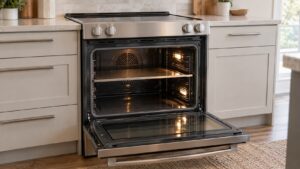
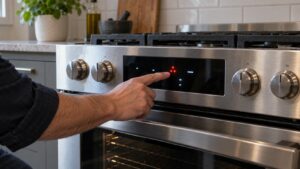
C-F0 on a Samsung range is a communications problem between the control board and the display or relay board. The two boards that normally exchange signals to run the oven and cooktop have lost that connection, so the range stops rather than operate with incomplete information.
What Commonly Causes It
- A loose ribbon cable or wiring harness connecting the main control board to the display panel
- A brief power surge or outage that interrupted communication mid-cycle
- Corrosion or moisture at a connector, especially on ranges installed near a sink or dishwasher steam
- A failing control board or relay board that’s no longer sending consistent signals
What You Can Check
Turn off power to the range at the breaker for a full minute, then restore it — this clears a fair number of C-F0 problems caused by a temporary communication glitch rather than a hardware failure. Once power is back, check whether the display and controls respond normally to a simple setting like turning on the oven light.
If you can safely access the back panel where wiring connects (with power off at the breaker), a visibly loose connector is worth reseating, but this isn’t necessary for most owners to attempt — it’s more useful information for a technician than a fix you need to perform yourself.
When to Call a Technician
A code that returns after a power cycle points to a wiring connection or a failing board rather than a momentary glitch. Our Samsung range repair technicians trace the communication problem to the specific connector or board at issue.
This is an independent repair service and is not affiliated with Samsung.