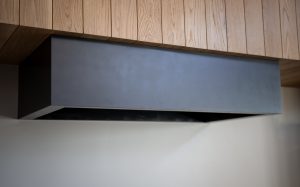
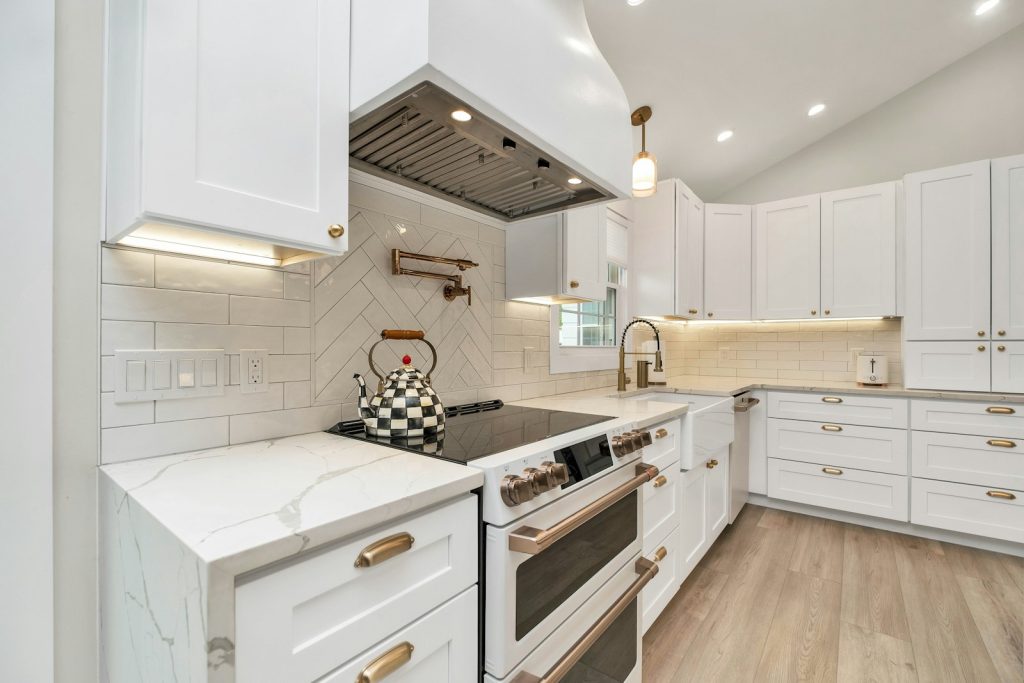
A Samsung range hood only has two jobs: pull smoke and grease-laden air out of the kitchen, and light the cooktop below it. Both jobs fail quietly over time if the hood isn’t cleaned and checked on a regular schedule. Because Samsung does not publish discrete error codes for range hoods (the NK series has no error-code display), maintenance is really the first line of troubleshooting — most “broken hood” calls trace back to a clogged filter or a loose connection that regular upkeep would have caught.
Clean the grease filters monthly
The aluminum mesh filters sit under the hood body and catch airborne grease before it reaches the fan motor and ductwork. If you cook often, pull them monthly; light use can stretch to every two months. Soak them in hot water with a degreasing dish detergent, or run them through the dishwasher on a normal cycle. Filters that are never cleaned get stiff with baked-on grease, which restricts airflow, makes the fan work harder and louder, and is a real fire hazard near an open flame. A hood that suddenly seems “weak” almost always has dirty filters, not a failing motor.
Check the ductwork and exterior vent
If your hood vents outside, inspect the wall or roof cap once or twice a year. Lint, grease residue, and even bird or insect nests can partially block the duct, which shows up as reduced suction and a hood that runs hot. A duct that’s kinked or too long for the fan’s rated capacity will also choke performance even when everything is clean — this is more common after a remodel than most owners expect. Recirculating (ductless) models instead rely on a charcoal filter that should be replaced roughly every six months, since it can’t be washed like the mesh filter.
Keep SmartThings and controls current
Many Samsung range hoods pair with SmartThings for remote fan control and light dimming, and some sync automatically with a matching Samsung cooktop or range. If the hood won’t pair, drops its connection, or the touch controls feel unresponsive, a factory reset from the hood’s control panel combined with reinstalling the SmartThings pairing usually resolves it — this is a settings issue, not a sign the unit is failing. Keep the app updated, since outdated firmware is a common cause of intermittent pairing loss.
Watch for symptoms, not codes
Because there’s no diagnostic display on a range hood, pay attention to real-world symptoms: the light not turning on, a fan that runs but moves little air, unusual grinding or rattling noise, or a unit that won’t power on at all. A bulb that won’t light is often just the bulb (check it’s the correct wattage and type before assuming an electrical problem). A fan that’s noisy but still pulling air usually means loose mounting hardware vibrating against the housing rather than a motor problem. Persistent burning smells, tripped breakers, or a fan that won’t spin at any speed are the situations where it’s worth having a technician look at the wiring and motor rather than continuing to troubleshoot on your own.
If your Samsung range hood needs attention beyond routine cleaning, our range hood repair technicians can diagnose fan, wiring, and control issues in person.
This guide is provided by an independent appliance repair service and is not affiliated with Samsung.