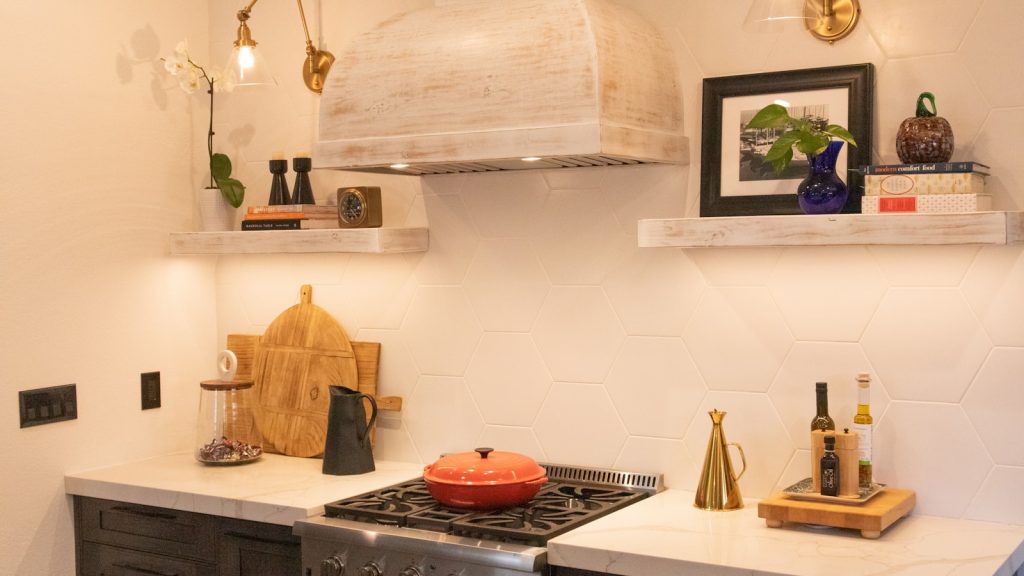
If you’ve searched for a specific “Samsung range hood error code,” it’s worth knowing upfront: Samsung does not publish a discrete error code system for its NK series range hoods the way it does for washers, dryers, or ranges. Any specific numeric or lettered code attributed to a range hood online should be treated as unverified. This guide covers genuine symptom-based troubleshooting instead, and is independent and not affiliated with Samsung.
Won’t turn on at all
Start with the basics: confirm the wall switch or control panel button is actually engaging, check the breaker for the circuit feeding the hood, and inspect the connection at the junction box inside the hood housing (accessible after removing the grease filter). If power is confirmed reaching the hood and it still won’t respond, the control board or the switch assembly itself likely needs replacement.
Fan runs but suction is weak
- Grease filter saturation: a clogged metal grease filter is the single most common cause of reduced suction. These filters are washable — hand wash or run through a dishwasher cycle periodically depending on cooking frequency.
- Ducted installs: check for a blocked or crushed duct run, a stuck-closed backdraft damper, or a duct that’s too long or has too many bends for the fan’s rated airflow.
- Recirculating installs: a saturated charcoal filter reduces odor removal even when airflow feels normal to the touch; these need periodic replacement rather than washing.
- Mounting height: a hood mounted higher than the manufacturer’s specified range above the cooktop captures less smoke regardless of motor condition.
No light, or light flickers
Try replacing the LED module or bulb first, since this is the least invasive and least expensive step. If a new bulb doesn’t resolve it, check the socket connection, and if the light shares a circuit with the fan, rule out a broader wiring issue by testing whether the fan is also affected.
Won’t pair with your Samsung range
SmartThings-enabled NK hoods that auto-activate when a paired range’s cooktop is in use rely on both appliances being on the same home network and registered correctly in the SmartThings app. A pairing failure is most often resolved by re-adding both devices in the app and confirming your home Wi-Fi network is stable, rather than by replacing hardware.
Fan runs intermittently or cycles on its own
A hood fan that turns on by itself briefly and then shuts off can be a sign the control board is sensing heat from the cooktop below and auto-activating on models with that feature, which is normal behavior rather than a problem. If the fan cycles on and off during normal cooking without you touching the controls and your hood doesn’t have an auto-sense feature, that points toward a control board issue worth having checked.
Unusual noise
A rattling or buzzing sound often means loose mounting screws or a grease filter not seated correctly — check both before assuming a motor problem. A grinding or squealing sound more likely points to a worn fan motor bearing, which requires the motor to be inspected directly.
When to call a technician
If you’ve ruled out filters, ducting, mounting height, and basic wiring and the hood still isn’t performing correctly, a technician can test the motor and control board directly. Visit our range hood repair service page to schedule a visit, or check Samsung’s documentation at samsung.com/us/support for your exact model.
This guide is provided by an independent appliance repair service and is not affiliated with, endorsed by, or sponsored by Samsung Electronics.