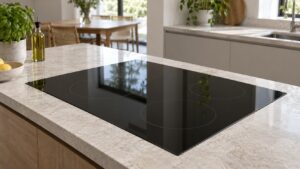
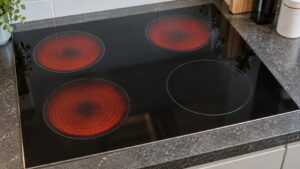
An SE display on a Samsung cooktop points to the touch or button controls, not the burner elements underneath. This code is shared across Samsung’s cooking-appliance lineup and means the control board believes a key is being held down continuously, so it locks the cooktop rather than let a phantom input trigger a burner unexpectedly.
What causes a stuck-key reading
Samsung cooktops use a sealed touch surface or a hybrid of touch and physical dials depending on the model, all reporting back to a central control board. SE typically comes from:
- Liquid, grease, or condensation sitting on or under the control surface
- A worn touch membrane that has begun registering false contact
- Something resting on the control area — a towel, utensil, or spill residue — pressing a key without your notice
- A control board that misreads a functioning key as stuck
Steps before calling for service
Turn off the cooktop’s power at the breaker for a minute, then clear anything sitting on or near the controls and wipe the entire panel dry with a soft cloth, working into any seams where liquid collects around individual keys. Restore power and try a single burner to see if SE clears.
If the code reappears with nothing touching the panel and no visible moisture, the touch membrane or control board is the more likely culprit rather than an external trigger. Diagnosing which component is responsible means testing the control panel independently of the board, which typically requires removing the cooktop from the countertop cutout to access the wiring underneath — not a job to start without the right tools on hand.
Our cooktop repair service covers Samsung control panel and board diagnostics. Manufacturer documentation is at samsung.com/us/support.
Independent resource — not affiliated with Samsung Electronics.