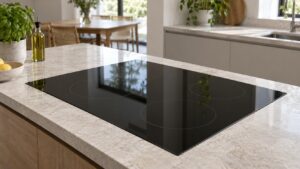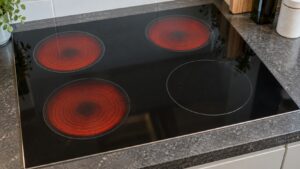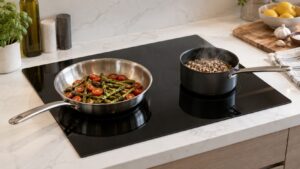
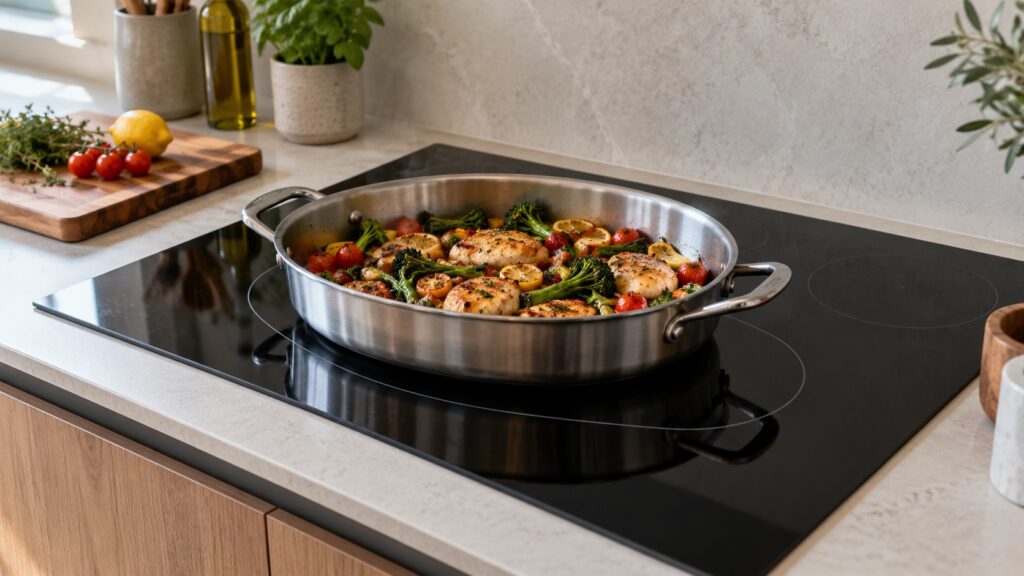
A Samsung FlexZone cooktop lets two adjacent cooking zones join into one larger zone, so a griddle, a long fish pan or an oversized roaster can sit across both instead of hanging off one. The tips that matter are simple: use a flat, magnetic pan whose base spans the joined area, center it across both rings, and match the pan to the zone rather than putting a small pot on a big combined area. Our cooktop overview says Flex Zone cooking areas combine two adjacent burners for griddles or oversized pans, and that uneven heating across a combined area is one of the problems technicians are called for, which is almost always a cookware question first.
What is a FlexZone on a Samsung cooktop?
It is a cooking area made by joining two neighboring zones so they work as one. Induction heats the pan, not the glass, so a pan that spans both rings can be heated across its whole base. That is useful for pans that are too long or too wide for a single ring: a griddle, a rectangular roasting pan or a long fish pan. The cooktop does the joining from its controls, and how you switch the joined zone on and how the power setting is applied to both rings differs by model, so use your owner’s manual for the exact steps. Not every Samsung cooktop has it; our cooktop overview lists it among the features of several models, so confirm it on your model.
Which cookware works best on a FlexZone?
Flat, magnetic, and big enough. Induction needs a magnetic base, and the quick test is a magnet: if it sticks firmly to the outside of the base, the pan will work. Cast iron and magnetic stainless steel generally work; our pan error page says aluminum, copper and glass bases do not. For a joined zone, the base should cover most of the combined area, not float in the middle of it. A long griddle pan with a thick, flat base is a good match. A thin pan that has bowed with heat is not, because a base that rocks only touches the glass in a narrow ring and the heat is uneven across it. If you want the full explanation of detection, our guide to Samsung cooktop pan detection covers it.
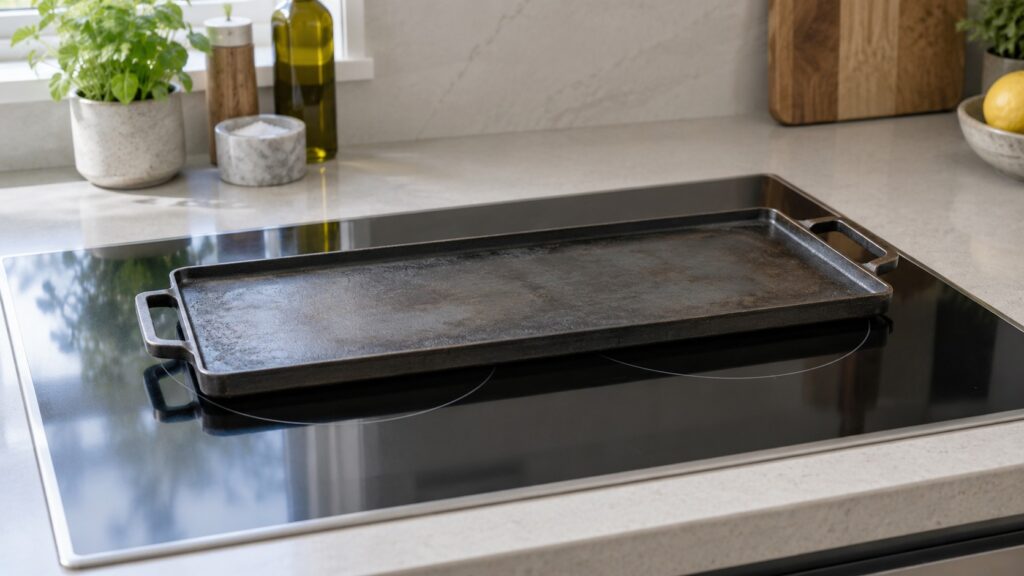
Should you put two pots on one joined zone?
It is better not to. The joined zone is meant for one large pan across both rings. Two small pots on one combined area each sit at the edge of a ring, and the cooktop may detect one of them poorly or heat them unevenly. Our pan-detection guide makes the same point for small pots: a small pot on a large flex zone is the same mistake in a different shape. If you need two pots, use two separate zones, each with a pot that covers most of its ring, and keep the joined area for the one big pan. That also keeps heat controls simple, because each pot gets its own setting.
Why is the heat uneven across a joined zone?
Almost always the pan. A thin base spreads heat poorly over a long distance, so the part over each ring runs hotter than the middle. A warped base lifts off the glass, a pan placed off center covers one ring more than the other and a base with a film of burnt sugar sits slightly above the surface. Try this order: let the pan cool, check that the base is flat and magnetic, clean the base and the glass, center the pan across both ring markings and heat it again on a medium setting. Preheat gently and give a heavy pan time to even out before you judge the result. If a known-good pan, centered and flat, still heats unevenly on that zone only, the coil or its control may be at fault and a technician should test it.
What do the codes and indicators mean on a Samsung induction cooktop?
An underlined u is the pan-detection indicator, not a fault: the zone cannot sense suitable cookware. See our page on the Samsung cooktop pan error. The real codes are different. C-F1 is a control or zone input error, a communication problem between the touch panel and the control board, and our page says to switch off at the breaker for a minute or two and restart. C-20 and C-22 belong to the temperature sensor family: the control is getting an out-of-range reading from a zone sensor, and our pages say to power the cooktop down at the breaker for a minute or two, clean and dry the surface and call a technician if the code returns. Read the pages for C-F1 and C-20 if one appears. Do not remove the glass or touch panel to check a connector.
How do you care for the glass around a FlexZone?
Wipe spills once the glass has cooled enough to touch, avoid abrasive pads and lift heavy pans rather than sliding them. Residue near the coils can interfere with pan detection on induction models, and a boil-over that reaches the touch controls is a common cause of stuck-button problems. Keep the controls dry, and keep the vents around the cooktop clear. Our Samsung cooktop care tips list the habits in full. Never use a cracked cooktop: if the glass is cracked, switch it off at the breaker and call a technician, since spills can reach live parts.
When should you call a technician?
Call if one zone will not heat a known-good pan that the other zones accept, if the joined area shuts off or stops responding, if C-F1, C-20 or C-22 returns after a restart, or if the glass is cracked. A technician can test the coil, the sensors and the touch controls. Our Samsung cooktop repair page explains what a visit covers.