
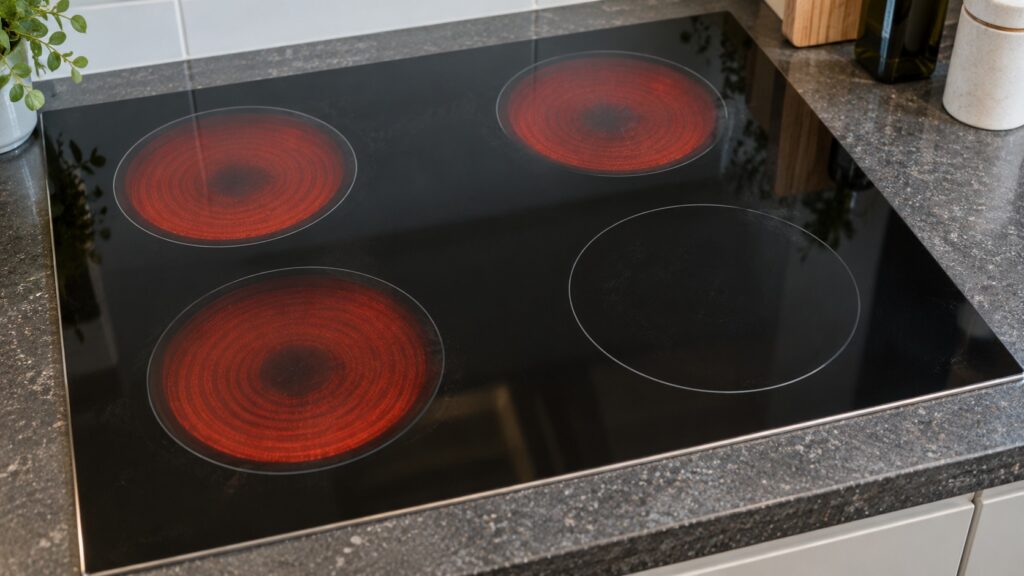
When a Samsung cooktop element is not working, first find out whether one zone is dead or the whole cooktop is. Our Samsung cooktop pages say a single dead zone with the rest of the cooktop working usually points to that zone’s own heating element or coil driver circuit, while a code or total loss of function across every zone more often points to the shared main control board or the incoming power connection. Before you decide it is a part, rule out cookware, a spill on the controls and a blocked vent, because those cause most of the complaints.
Why is my Samsung cooktop element not working?
There are five common reasons, and only the last is a failed part. The first is cookware: on an induction zone the wrong pan produces no heat at all, exactly as designed. The second is a stuck or contaminated touch key that locks the cooktop. The third is a temperature sensor code that keeps one zone from heating. The fourth is a communication problem between the panel and the control board. The fifth is a failed element or coil driver. Our Samsung cooktop troubleshooting guide puts the order of checks the same way: cookware, controls, then parts.
Is it the cookware, if you have induction?
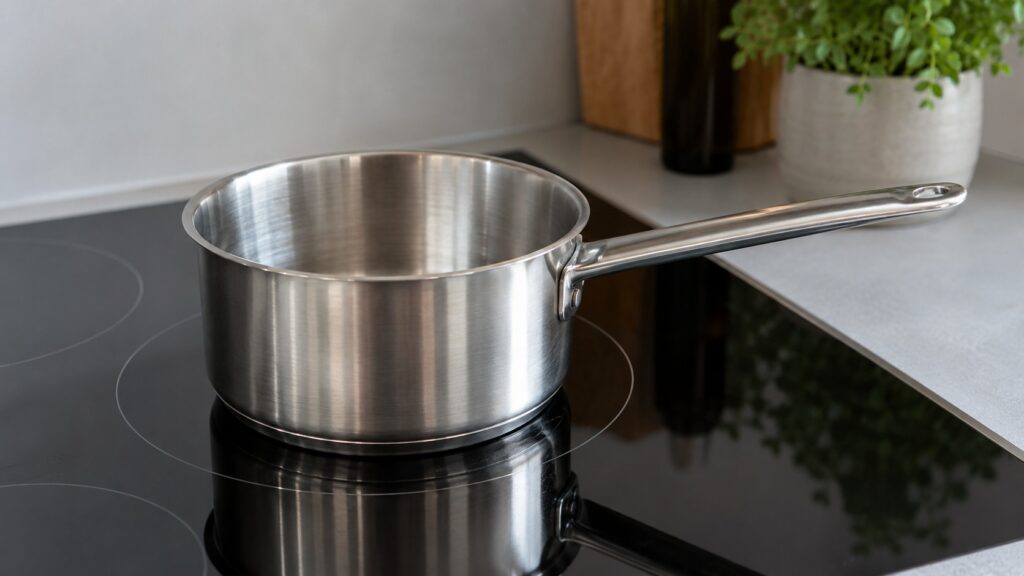
If a zone shows an underlined u and does not heat, that is not a fault. According to our pan detection tips, the zone cannot sense compatible cookware, and induction only heats when the coil sees a magnetic load. Press a magnet against the outside of the pan base: if it grips firmly, the pan should work. Aluminum, copper, glass and ceramic do not work on their own. Match the pan to the zone: the base should suit the zone size and sit flat and centered. A warped or domed base breaks the contact. Try a pan you know works on induction on the same zone. If that pan heats, the cooktop is fine; if a good, correctly sized, flat pan still shows u on one zone while other zones work with the same pan, the coil or sensor for that zone has likely failed. See our page on the underlined u.
Not every Samsung cooktop is the same type, and this site does not label the models as induction or radiant, so the magnet and u checks apply only if yours is induction. Check your owner’s manual for the type.
Could a touch key or spill have locked it?
SE and d0 point to the controls, not to the elements underneath. SE means the control board believes a key is being held down continuously, so it locks the cooktop rather than let a phantom input start a burner. Liquid, grease, condensation or something resting on the controls can cause it. Our SE code page suggests switching the power off at the breaker for a minute, clearing anything on or near the controls, wiping the panel dry with a soft cloth and trying a single burner. Do it standing on a dry floor. A bare d0 flags a button the board thinks is stuck. If SE or d0 returns with nothing touching the panel and no moisture, the touch membrane or the board is the likely cause, and that needs a technician.
What do the sensor and communication codes mean?
C-20 and C-22 each have a page on this site and describe a temperature sensor circuit reading outside the expected range; our troubleshooting guide groups C-21 with them. These codes can keep the affected zone from heating. Our C-20 page says to cut power at the breaker for a minute and restart, wipe the surface and edges so trapped moisture near a sensor does not give a false reading, and note which zone was active. If the code returns as soon as you activate a specific zone, that isolates the problem to one sensor. C-F1 and C-F2 have pages on this site and describe a communication problem between the cooktop control boards; our troubleshooting guide lists C-F0 in the same group, but there is no separate C-F0 page, so treat it the same way and read the exact characters on the display. The cooktop may stop responding to touch. A power reset may clear a momentary disruption. If it does not, a loose or corroded connector or a board fault is likely, which is for a technician.
Could blocked ventilation be shutting zones down?
Possibly. C-24 means the surface temperature rose faster than it should, and our code page lists blocked ventilation under the cooktop, a slowed or stopped cooling fan on induction models, undersized or warped cookware and a failing sensor. Let the cooktop cool, power it off at the breaker for a minute, and check that nothing in the cabinet below blocks the vents, such as a drawer liner or stored items. Our cooktop care tips say to keep the vent openings clear.
When is it a failed element, and what do you do?
If the cookware is right, the controls are clean and dry, no code shows and one zone still will not heat, that zone’s element or coil driver is the likely cause. Do not try to open the cooktop: the unit is hardwired to a dedicated 240-volt circuit, so any wiring work belongs to a licensed electrician or technician. If the glass is cracked, stop using the cooktop and switch it off at the breaker. Our repair or replace guide helps you weigh a repair, and the Samsung cooktop repair page explains the visit.