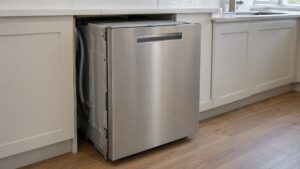
5C on a Samsung dishwasher points to a drain problem — the control board detects that water isn’t leaving the tub fast enough during the drain phase and stops the cycle rather than let water sit and back up.
What Typically Blocks Drainage
- Food debris packed into the fine mesh filter at the bottom of the tub
- A kinked drain hose behind the dishwasher or under the sink
- A clogged garbage disposal knockout plug — required to be removed when a new disposal is installed and often forgotten
- A drain hose looped incorrectly, allowing water to siphon back instead of draining forward
What You Can Check
Remove the bottom rack and lift out the filter assembly at the base of the tub — most Samsung dishwashers let you twist and pull this out by hand. Rinse it thoroughly under running water, working out any trapped food particles, bones, or glass shards. While you’re there, check the drain path is clear of standing debris.
If your dishwasher drains through a garbage disposal, run the disposal briefly to clear anything lodged in that connection, and confirm the knockout plug inside the disposal inlet was actually removed at install — a still-sealed plug fully blocks drainage. Check that the drain hose behind the unit has a high loop and isn’t kinked flat.
When to Call for Repair
If the filter is clean and the drain path is clear but 5C persists, the drain pump itself likely needs testing. Our Samsung dishwasher repair technicians check pump function directly rather than replacing parts on a guess.
This is an independent repair service and is not affiliated with Samsung.