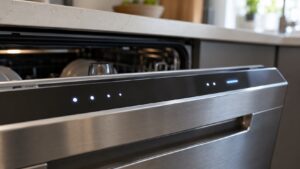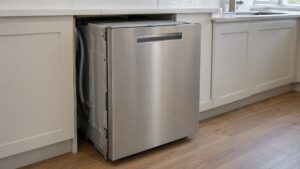
The OE code on a Samsung dishwasher (DW80 series) means the control board has detected an overflow — more water sitting in the tub than the current cycle calls for — and has paused the wash to keep it from spilling onto your kitchen floor.
What usually causes OE
- A float switch that is stuck, jammed by a dropped utensil, or coated in residue and reading “full” when it should not be
- A kinked, crushed, or improperly looped drain hose that backs water up into the tub
- An inlet valve that will not fully close, letting water keep entering after the fill is complete
- Heavy suds from regular dish soap instead of dishwasher detergent, which can fool the float sensor
Checks you can do safely
- Open the door and look at the tub floor for standing water before running another cycle
- Find the float, a small dome near the front of the tub, and confirm it lifts and drops freely by hand
- Verify the drain hose under the sink still has its high loop or air gap and has not been pinched during a remodel
- Check that only dishwasher-labeled detergent went into the dispenser
A float that is dirty but otherwise free-moving can sometimes be cleaned and reset without parts. If the float itself is cracked, stuck in the down or up position, or the inlet valve keeps admitting water after the cycle should have stopped filling, those parts generally need replacement rather than repeated resets — clearing OE and immediately seeing it return on the next cycle points to a hardware problem rather than a one-time fluke. Because standing water near electrical components is involved, unplug the unit before reaching into the tub base.
For hands-on diagnosis and repair of persistent OE problems, see our dishwasher repair service. More background on Samsung dishwasher error codes is available at Samsung Support.
This page is independent, third-party appliance repair information and is not affiliated with, endorsed by, or sponsored by Samsung.