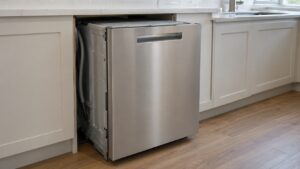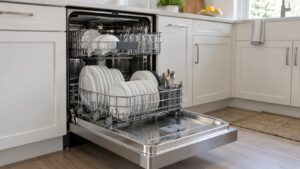
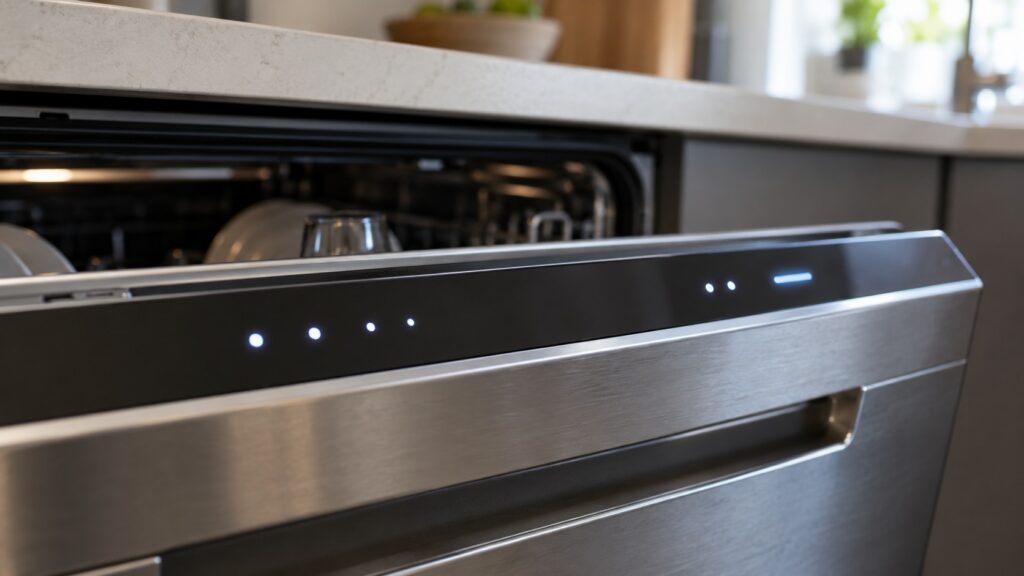
When a Samsung dishwasher has a blinking light, it is either showing normal cycle progress or reporting a problem that stopped the cycle, and the way to tell them apart is what the dishwasher does: if it is running or has finished normally, the lights are doing their job, and if it stopped, will not start or has repeated the same pattern on every attempt, a fault is being reported. With a Samsung dishwasher blinking light, the fault on models with a text display appears as a code such as 4C, 5C, LC, HC or 3C, and a model with lights only reports faults through its indicators, so this guide works from what the dishwasher does to which code family to look at. The exact light pattern that stands for each code differs by model and is in your owner’s manual, so do not rely on a guessed pattern from a forum.
Why is my Samsung dishwasher light blinking?
There are two kinds of blinking. The first is normal: during a cycle, indicator lights show which stage is running or that the cycle is starting, and a light may change state when you press a button or close the door. The second is a fault: the control board monitors the fill, the drain, the wash pump, the temperature and the leak sensor, and when it finds a problem it stops the cycle and flags it. On a model with a text display the code appears as letters. On a model with indicator lights only, the same fault is shown with lights, and which lights flash for which code is listed in the owner’s manual for that model. We do not publish a light-to-code table because the patterns differ by model, so check the manual for your exact model number, which is on the data plate.
What should you check when it blinks and will not start?
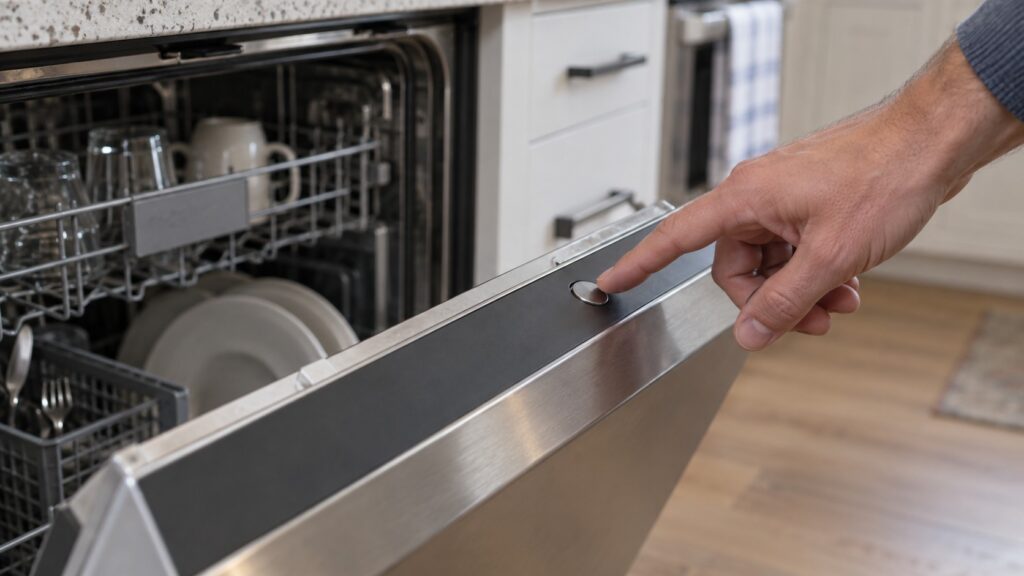
Start with the simple causes, since many blinking-and-not-starting complaints are not faults at all. Open the door and close it firmly, because our installation checks page notes that some functions will not run unless the door is confirmed fully latched, and a door that closes with extra force or sits slightly misaligned can be the cause. Make sure the cycle and any options were actually selected and that start was pressed. Check that the control lock is not on. Then switch the dishwasher off at the breaker for a minute or two, restore power, close the door and start a new cycle. If it starts and runs normally, it was a glitch. If the same pattern comes back at once, a fault is being reported, and the next sections show where to look. The checks that matter for installation are in our Samsung dishwasher installation checks.
Does a blinking light mean it is not filling or not draining?
Often it does. The 4C code means the dishwasher is not receiving enough water: the valve under the sink may not be fully open, the supply line may be kinked behind the unit, the inlet screen may be clogged or the household pressure may be low. Our page on Samsung dishwasher 4C lists these checks in order. The 5C code means water is not leaving the tub fast enough: the filter at the bottom of the tub may be packed with food, the drain hose may be kinked, the disposal knockout plug may be forgotten or the hose loop may be wrong. Our page on Samsung dishwasher 5C explains how to clean the filter by hand. If you see standing water, keep the door closed and wait before you reach in.
What about leak and pump patterns?
LC is a leak alert. The leak sensor or float in the base pan has found water where it should not be, and the cycle stops. Common triggers are suds from using ordinary dish soap instead of dishwasher detergent, a worn or twisted door gasket and a loose hose connection. Do not run more cycles while water is on the floor. Read our Samsung dishwasher LC page. 3C points to the wash pump or its motor circuit, which can be caused by glass or a bottle cap in the pump inlet or by a loose connector. For 3C, unplug the dishwasher or shut off its breaker before you look into the sump, and call a technician if the motor hums, clicks or does nothing: see Samsung dishwasher 3C.
When is a blinking light dangerous?
When it goes with heat, water or a smell. HC is an over-temperature condition: the heating element or the water has climbed above the range the board allows, and it can involve a heating element that will not shut off. Our page on Samsung dishwasher HC says to have it looked at promptly rather than run more cycles. Switch the dishwasher off at the breaker, from a dry floor, if the tub is very hot after a cycle has ended, if you smell burning or if water is near the electrical cover. Do not take the lower panel or the control panel off to look for the cause.
What should you tell the technician?
Write down what you saw before you power-cycle: which lights were blinking, whether the dishwasher had water in it, whether it was in the middle of a cycle and what you had just done, such as a new load, a power outage or a changed detergent. Also note the full model number from the data plate, because the manual’s light table is based on it. Our overview of Samsung dishwasher error code diagnostics groups the codes, and our Samsung dishwasher repair page explains what a visit covers.