Samsung cooktops use the same MICOM control platform as Samsung ranges and ovens, which is why the error codes look similar across all three appliance types. Here’s what each one means specifically for a radiant NZ or induction NA cooktop. This guide is independent and not affiliated with Samsung.
Communication codes
C-F0, C-F1, and C-F2 indicate the touch control panel has lost communication with the main control board underneath the cooktop. Because cooktop touch panels sit directly on top of the glass and are exposed to spills, a damaged or corroded connector is a very common cause — check the ribbon connector before assuming the board itself has failed.
Key and door-related codes
C-d0, C-d1, and C-d2 are part of the same code family used on ranges for door/key issues; on a standalone cooktop without an oven door, these almost always point to a stuck or shorted key on the touch panel rather than a door. Try wiping the panel dry and pressing each zone control individually to see if one key is registering incorrectly.
Temperature-related codes
C-20, C-21, and C-22 relate to a temperature sensor reading out of range, typically tied to a specific cooking zone’s thermal protection sensor rather than a full-cooktop failure. C-10 indicates a sensor self-test failure at startup and should be treated the same way — check the sensor and its wiring before replacing the control board.
Pan detection (“u” symbol)
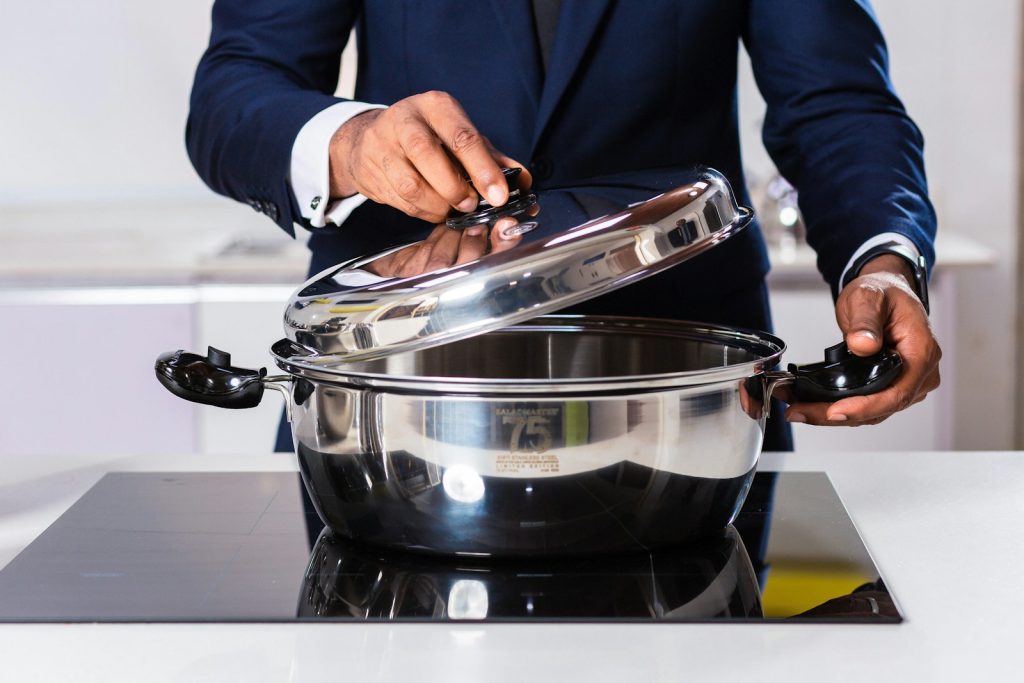
An underlined “u” appearing under a zone on an induction cooktop is not an error code — it’s the induction coil telling you it doesn’t detect compatible magnetic cookware, or that the pan isn’t centered on the element. Before troubleshooting this as a defect, confirm the cookware is flat-bottomed and magnetic (a refrigerator magnet should stick to the pan bottom) and centered on the ring marking.
Stuck button code
A bare “d0” (without the C- prefix) indicates a specific button is physically stuck or electrically shorted. This is distinct from C-d0 and is usually resolved by cleaning under the touch panel edge or, if that fails, replacing the touch control ribbon.
Codes that aren’t genuine
If your cooktop shows LE, dE, or a bare E0 through E5, these do not match Samsung’s documented cooktop code set — recheck the display carefully, since dim segments on an aging display can make a “C-20” look like something else at a glance.
Isolating one zone versus the whole cooktop
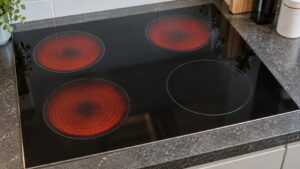
Before scheduling service, note whether the problem or code affects a single cooking zone or the entire cooktop. A single dead zone with the rest of the cooktop working normally usually points to that zone’s individual heating element or coil driver circuit, while a code or total loss of function affecting every zone at once more often points to the shared main control board or the incoming power connection feeding the whole unit.
When to bring in a technician
Sensor and stuck-button issues are usually quick fixes once confirmed, but communication problems and persistent pan-detection failures with known-good cookware warrant a full diagnostic before parts are ordered. Visit our cooktop repair service page to schedule a visit, and see our cooktop error code reference for more detail.
This guide is provided by an independent appliance repair service and is not affiliated with, endorsed by, or sponsored by Samsung Electronics.