TL;DR: On Samsung appliances that support it, the SmartThings app can run a diagnosis without a technician: it reads the appliance’s stored status, reports a problem if it finds one and lets you share the result. It works only if the appliance is connected, registered in the app and in range of Wi-Fi. When the app cannot see the appliance, the display and the manual are your fallback.
Many owners have a Samsung appliance that talks to a phone and never use that conversation. Yet the app can tell you more than a blinking display: which part of the machine reported a problem, whether it is still active and whether the appliance is even online. This guide to Samsung SmartThings diagnosis explains what the check does and does not do, how to prepare for it, how to read the result and what to do when the appliance will not connect. Features vary by model and by year, so treat the steps as a general path and follow your manual for the exact menu names.
What can SmartThings diagnose on a Samsung appliance?
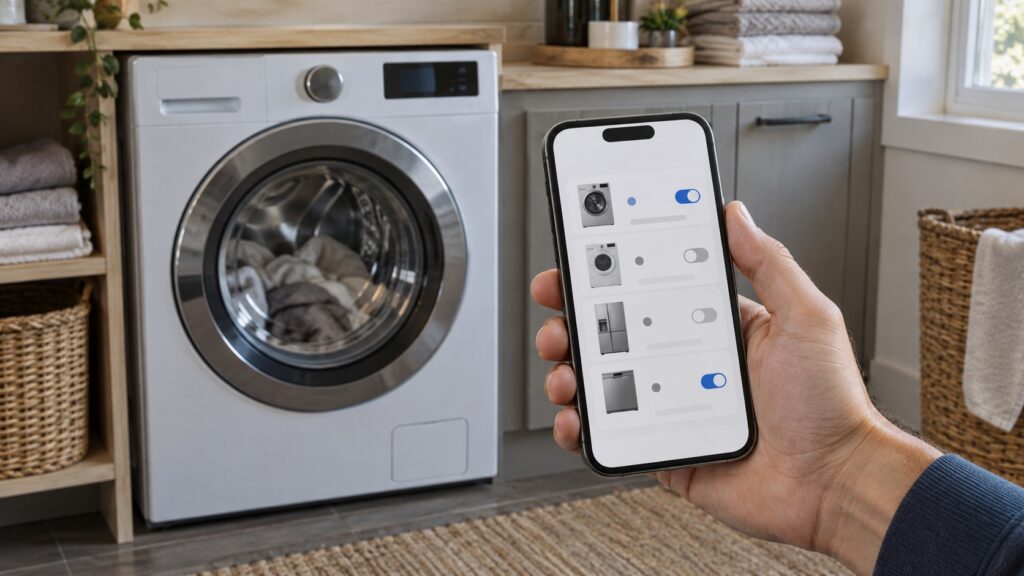
SmartThings is Samsung’s app for connected appliances. On supported washers, dryers, refrigerators, dishwashers and ranges, it shows status, sends alerts and can run a self-check that reads what the control board has stored. The check is not a repair. It tells you whether the board has logged a fault and which family it belongs to, so you can decide between a free fix at home and a visit.
How do I prepare an appliance for a SmartThings check?
Preparation decides whether the check works. First, confirm the appliance is registered: open the app and find it in your device list. If it is missing, add it using the pairing steps in the manual, and keep the phone close to the appliance, on the same Wi-Fi band the appliance supports. Many Samsung appliances connect only to a 2.4 GHz network, so a router that merges bands can cause trouble. Second, make sure the appliance is powered on and idle, with the door shut and no cycle running. Third, update the app and, where offered, the appliance software.
A weak signal is the commonest reason for failure. Appliances in a basement, a garage or a metal-clad cabinet often sit at the edge of range. If the app shows the device as offline, move the router or add an extender before you decide the appliance is faulty. Connection problems are not appliance faults, and they will not clear a code.
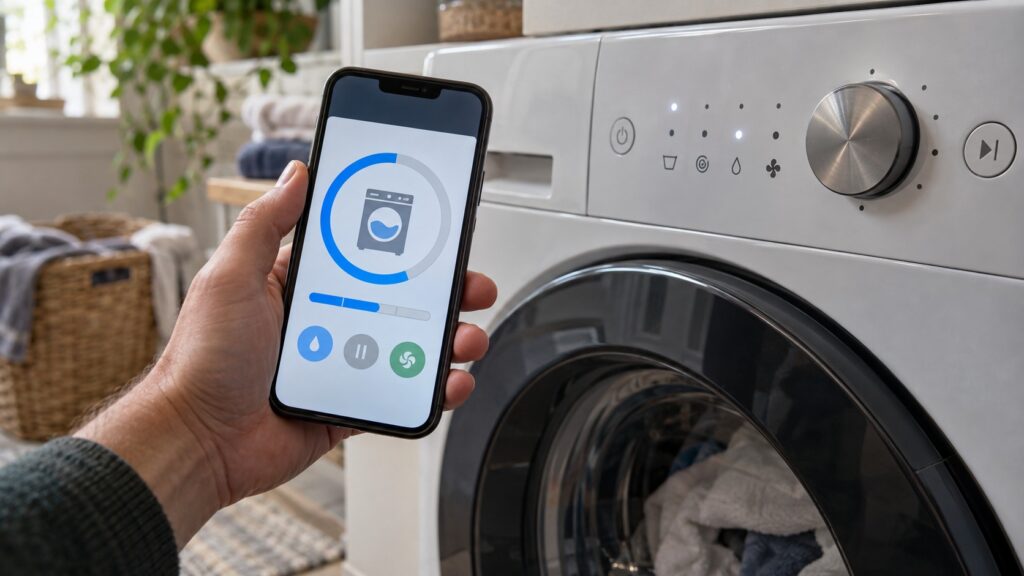
How do I read the result?
The result is usually a short message: either no problem found, or a notice that the appliance logged a fault, often with a code. Write down the code exactly, including any prefix such as C- or letters before the digits. Then look it up against your appliance type, because the same letters mean different things on a washer and an oven. For example, dC on a Samsung washer is a door problem on this site, while Ub means an unbalanced load. Our washer error code diagnostics and refrigerator error code diagnostics list the families.
A clean result does not guarantee that nothing is wrong. The board can only report what it senses. A part that is wearing out but still working may log nothing. If you have a symptom and the check says all is well, trust the symptom, and use a troubleshooting guide, such as the one for your washer or dryer.
What if the app cannot find my appliance?
Check the basics in order. Restart the appliance by switching it off at the breaker for a minute. Restart the router. Confirm the phone is on the same network. Remove the appliance from the app and add it again. If the appliance has a Wi-Fi indicator, check that it shows connected. If it still will not link, the built-in checks are the next best tool; our guide to the Samsung washer self-test mode shows one example, and your manual lists the equivalent for other types.
Power events matter too. After an outage, some appliances drop their connection and need to be re-registered. If the appliance also shows a communication code on the display, the problem may be inside the appliance and not the network, which is why it is worth noting what the display says as well as what the app says.
When should I stop and call a technician?
Call when the check reports a fault that returns after a restart, when the appliance shows a code that points to a part, or when the app and the display disagree. Share the code, the model number and what you saw. Do not open the cabinet to chase a code, especially on a refrigerator sealed system, a dryer heater or an oven control. See the dryer error code diagnostics for the dryer, and for scheduling use Samsung washer repair or schedule a visit.